
What do first and last frames, previs video, and prompt cards each do?
One shot can have several kinds of reference. Learn how first and last frames carry composition, previs video carries motion and timing, and prompt cards explain intent.
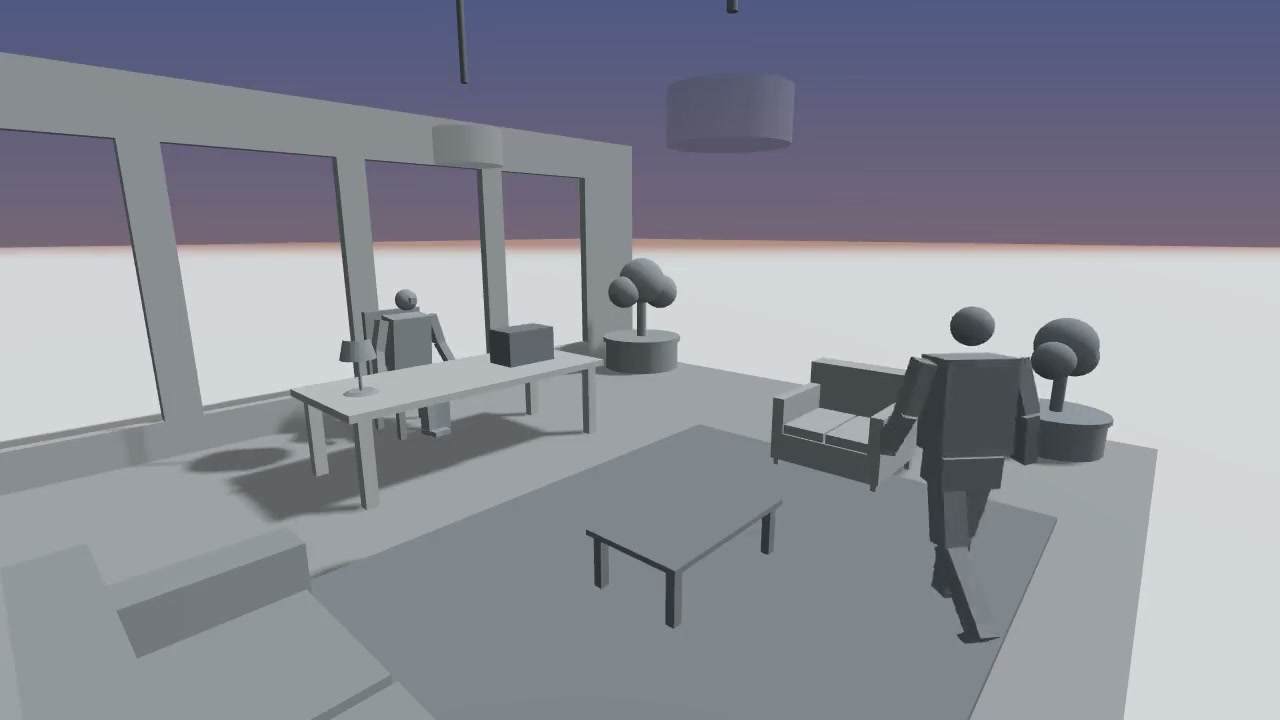
You do not have to squeeze every instruction for a shot into one prompt. First and last frames show where the shot begins and ends. A previs video shows how it moves between those points and how long it takes. A prompt card adds intent that images alone cannot express. These materials work together, but not every video platform accepts every format.
First and last frames: two composition anchors
The first frame records the characters’ positions, shot size, and background at the start. The last frame records where the shot should land. Together, they help a team discuss whether the composition stays coherent, whether a character remains on the intended side, and where the camera should finish. Still images rarely explain everything that happens between those points. If the path of an action matters, add a motion reference.
Inspect both frames before export. Is a character obscured? Does the background pull attention away? Does the last frame actually express the shot’s outcome? A wrong position in the previs can carry into the next stage through these images.
Previs video: the journey from A to B
A previs video shows how characters, props, and the camera relate over time: direction, speed, pauses, and cut order. It is particularly useful for instructions such as “follow the character” or “show the reaction before cutting closer,” which can be ambiguous in text.
The video is a motion reference, not a frame-by-frame contract for the final result. A generation service may change the path or timing, or may not accept video references at all. Check the service’s current documentation before using it, then inspect whether the important action survived in the output.
Prompt cards: intent beyond the picture
A prompt card can explain the shot’s purpose, a character’s state, the key action, and likely misunderstandings to avoid. It need not repeat spatial facts already clear in the previs. A useful order is subject, action, camera, timing, and style, with non-negotiable conditions first. Adapt the final format to the target platform.
A minimum handoff check
- Compare the first frame, last frame, and previs video for the same shot. Character positions and action direction should agree.
- Separate facts that must stay consistent from visual style that may vary. Do not describe an unfinished effect as if it has already been achieved.
- Record what the target platform accepts. If it accepts only images, use frames and text; if it supports video references, decide whether the previs video adds useful information.
- Compare the generated result with the plan, note the differences, and change only what affects the shot’s purpose in the next iteration.
The quick-start guide explains where to export these files. The model handoff guide covers the next steps. Baimo Director prepares the references; external video services and their charges are separate.