
01 3D previs PREVIS
PREVIS BEFORE GENERATION / V1.3.0
AI VIDEO · 3D PREVISDirect the shot. Then generate it.
Words alone can leave camera movement and actor blocking open to interpretation. Plan the camera, movement and timing in 3D, then export a previs video, first/last frames and prompts as references for your video service. Check the service’s accepted inputs and review the generated result against your plan.
Windows / Mac desktop apps · Local projects · Basic stays free after the trial
01 DESKTOP 02 LOCAL PROJECTS 03 197 MCP TOOLS
02 AI cinematic sample AI PASS
Left: a real app export. Right: an external AI interpretation of the same shot and blocking. Rehearse the staging, then review the generated result. Exact transfer is not guaranteed. Download the 23.2-second project ↓
TRY THE WORKFLOW
The demo project is yours to explore
The office dialogue previs above was exported from Baimo Director. Download the editable project and inspect its cameras, blocking, dialogue and timing. Scene names and dialogue in the sample are Chinese; the app supports Chinese and English.
Office dialogue · editable project
- 01 Download the project
An office, two characters, 7 shots and 5 dialogue lines across 23.2 seconds. The full project is editable.
- 02 Open it in the desktop app
Install and launch the Mac or Windows app. Click Open in the top bar, select the downloaded project and confirm. Scene objects, shots, dialogue and timeline load together. Press Play to rehearse.
- 03 Explore the staging
Inspect the cameras and cuts. With Pro or an active trial, change shot sizes, dialogue and blocking. Diagnostics flag potential intersections, floating objects and axis issues. Basic can open, save and preview the complete existing project.
- 04 Export for your next step
Choose Export & Deliver → Preview / Share for a full MP4. Basic exports a marked review video. Production / AI video exports a per-shot ZIP with MP4s, first/last frames and prompt cards; this requires Pro or an active trial.
- 05 Use compatible reference inputs
Use the first frame for starting composition and a previs video for motion and timing where your video service supports them. Review the shot notes, submit compatible inputs and compare the output with your intent. External service fees are separate.
The useful starting point is a shot plan you can see and discuss. Input requirements and output fidelity differ between video services.
Read the model-handoff guide → WHY PREVIS MATTERS
Video generation is becoming reference-driven
In its Seedance 2.5 announcement, ByteDance describes blockout references built from untextured 3D models: spatial structure, subject poses, motion paths and camera positions. A previs gives the model a visual account of the shot you intend.
Reference inputs can communicate spatial structure, blocking and camera intent. They support generation; they do not guarantee an exact reproduction.
Creators still decide how the shot should work.
Baimo Director helps make that decision visible.
THE COMPLETE HANDOFF
Previs → reference frames → generation
One shot, complementary references. Plan the staging, show the endpoints and use an external service for the final look.
01
Stage and rehearse
Build the space, place characters, plan blocking and choose cameras. Review timing on the timeline.
02
Export the references
With Pro or an active trial, package per-shot MP4s, first/last-frame PNGs, prompt cards and a shot book.
03
Generate, then review
Use accepted reference inputs to explain framing, motion and timing. Compare the generated result with your plan and iterate as needed.
EVALUATE WITH YOUR OWN NUMBERS
Work out the cost for your workflow
Generation prices and revision needs differ. Compare your actual process rather than relying on a fixed savings claim.
| Start with generation | Start with previs | |
|---|---|---|
| First step | Discover the shot through generated attempts | Plan cameras and blocking in a local scene |
| Generation attempts | Depends on the shot and model | Still depends on the output; no fixed guarantee |
| External generation fees | Apply to submitted generations | Still apply when using the external service |
| Change the staging | Revise the prompt and generate again | Revise the local scene and re-export within your edition |
| Software license | Your existing tool costs | Personal Pro: US$59 for 12 months · no auto-renewal |
Use this comparison:
Actual generation cost + revisions + planning time
Test whether previs improves the handoff for your own shots. Savings are not guaranteed.
WHAT YOU EXPORT
A set of references, not just a video
Pro or an active trial prepares materials per shot, each with a clear purpose.
Previs MP4 One per shot to communicate camera motion and timing
First-frame PNG A clean starting composition without transition overlays
Last-frame PNG The intended endpoint of the shot
Prompt-card PNG First frame with shot size, camera movement and prompt notes
Shot list / CSV Computed shot-size and movement information for planning and prompts
Printable shot book Self-contained HTML with frames, timecodes, dialogue and prompts
CHECK IT YOURSELF
Explore these tools during the Pro trial
These are inspectable product features. Basic supports simple staging and preview; a 7-day Pro trial lets you evaluate advanced tools.
197
MCP tools
Let an agent stage scenes and plan shots
11
Camera presets
Over-the-shoulder, bird’s-eye, Dutch angle and more
9
Camera-move presets
Orbit is an independent circular movement
14
Building components
Floors, columns, stairs, arches and more
12
Ready-made scenes
Office, hospital corridor, rainy street and more
1080p
Pro exports
Basic: marked 720p review exports
Try diagnostics on a sample scene: inspect the issues it identifies and the suggested fixes. Diagnostics assist your creative judgment.
FEATURES
One workspace for your shot plan
Scene building
Advanced scene planning, 14 building components, four scene recipes, surface snapping and crowd arrays. Pro or an active trial required.
Explore feature →Cameras and movement
11 camera presets and 9 movement presets. Independent circular orbits and composable following.
Explore feature →Reference overlays
Align a camera with a reference image, bound per shot. Overlays switch with the shot and stay out of exports.
Explore feature →Export and handoff
Per-shot MP4s, first/last frames, prompt cards and printable shot books for compatible downstream workflows.
Explore feature →Diagnostics
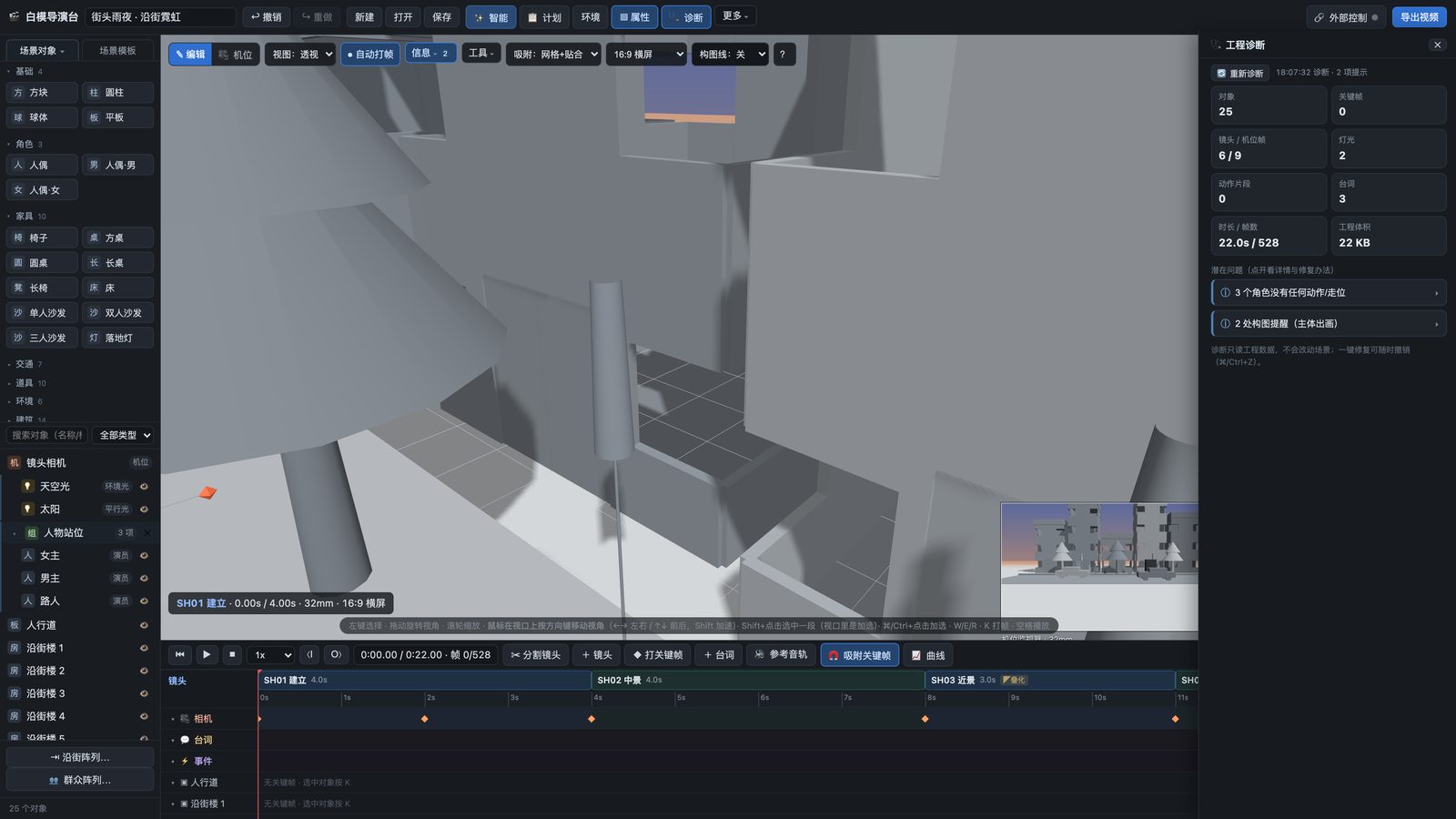
Review potential intersections, floating objects, axis issues and short shots, with reasons and suggested fixes.
Explore feature → DIAGNOSTICS
Inspect the plan before production
Review potential intersections, floating objects and axis issues before handing off the shot. Pro diagnostics scan the project, explain possible issues and suggest fixes. Some offer a direct repair; creative judgment and output review remain necessary.
- Intersections and floating objects
- Potential 180-degree axis issues
- Obscured or out-of-frame subjects
- Short shots, missing notes and default names
- Characters without actions and large projects
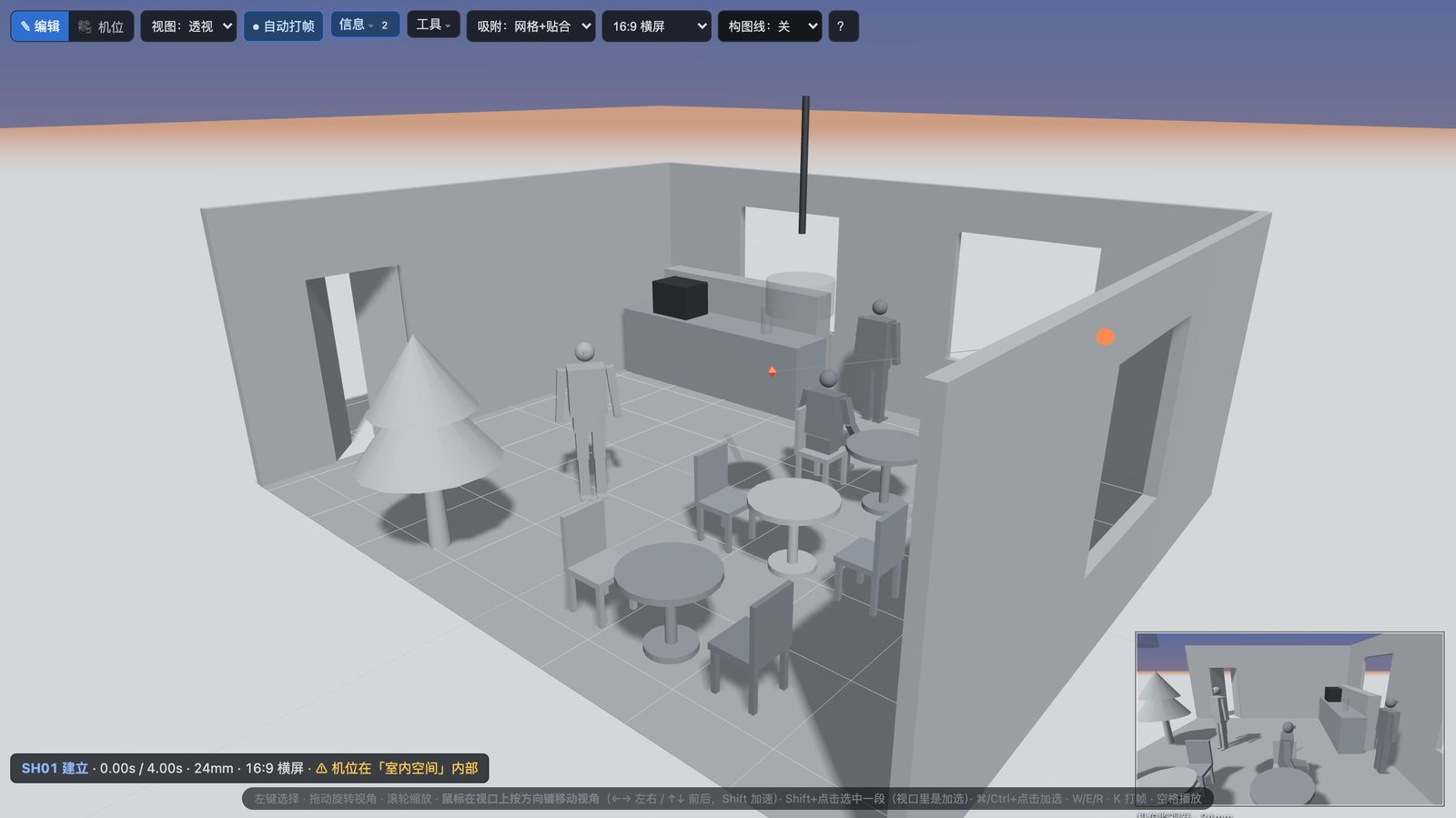
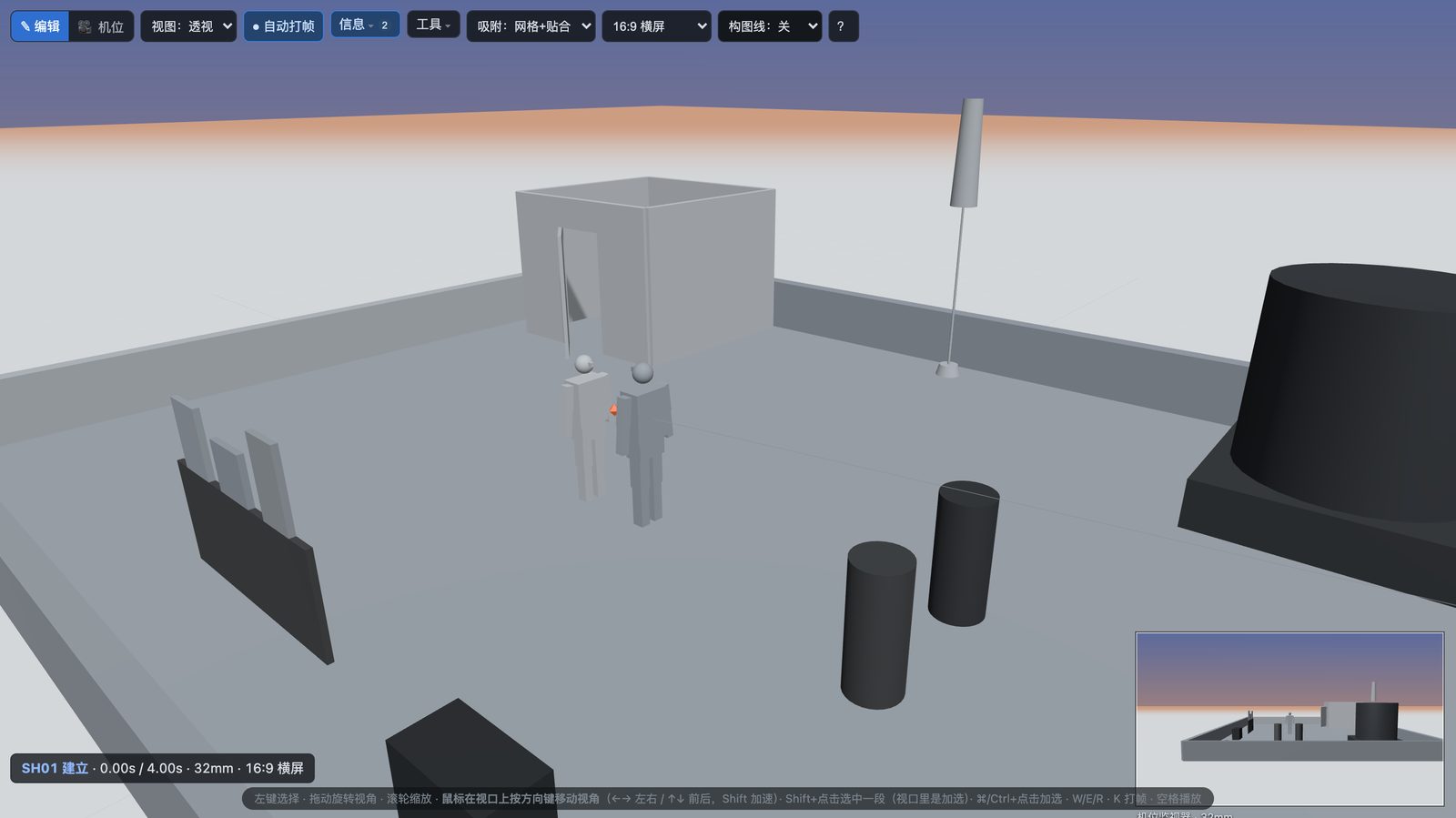
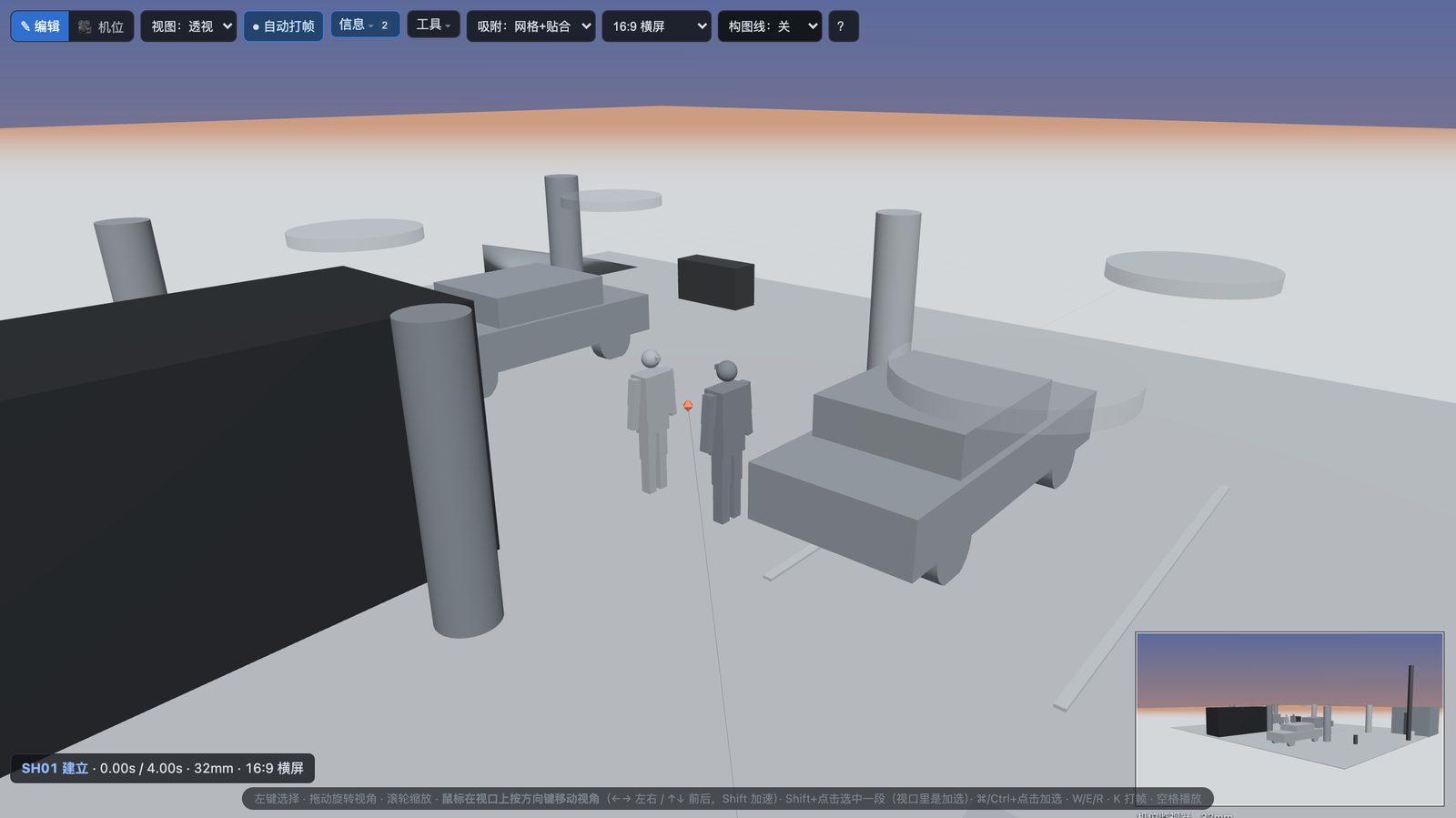
READY-MADE SCENES
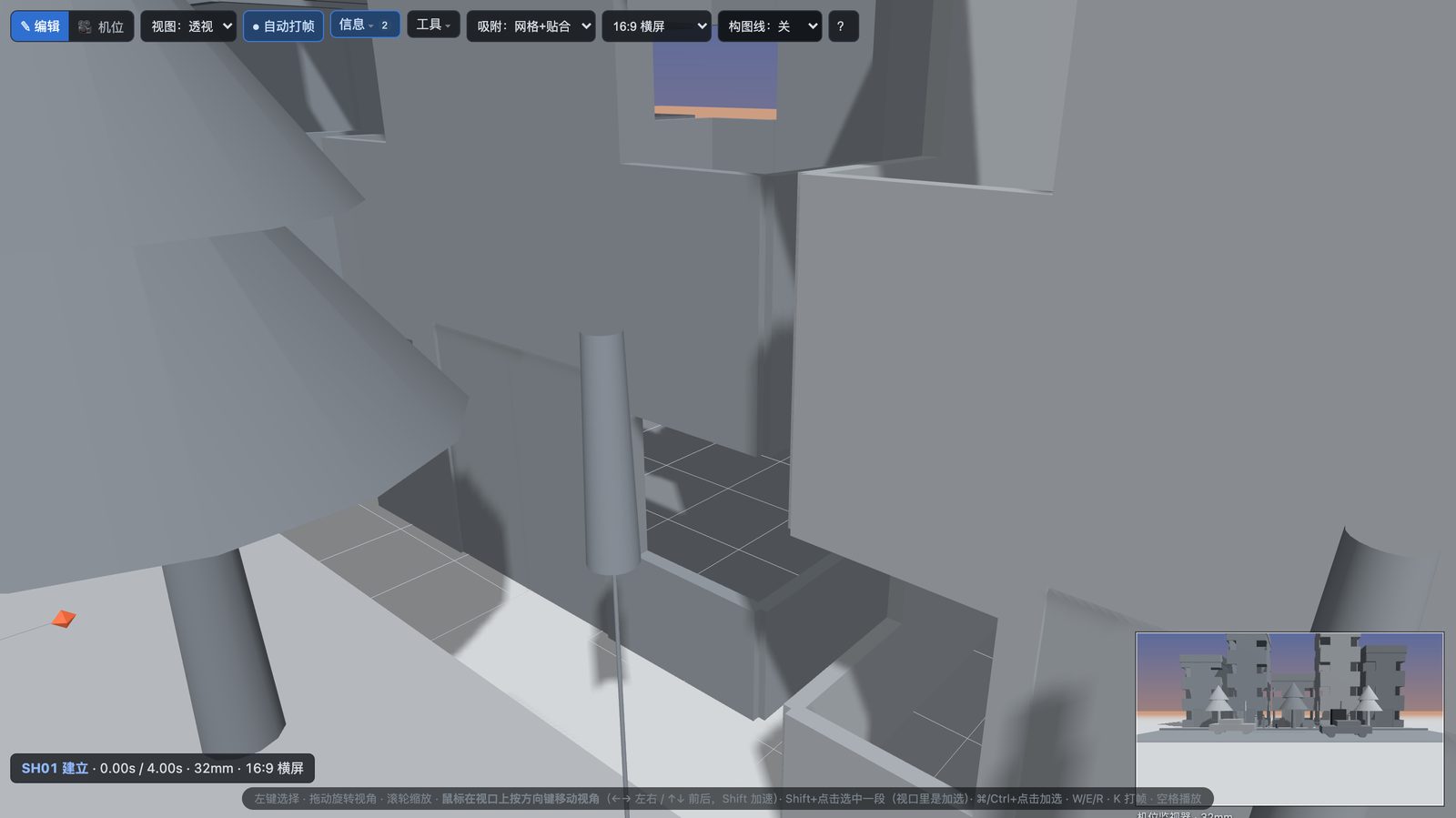
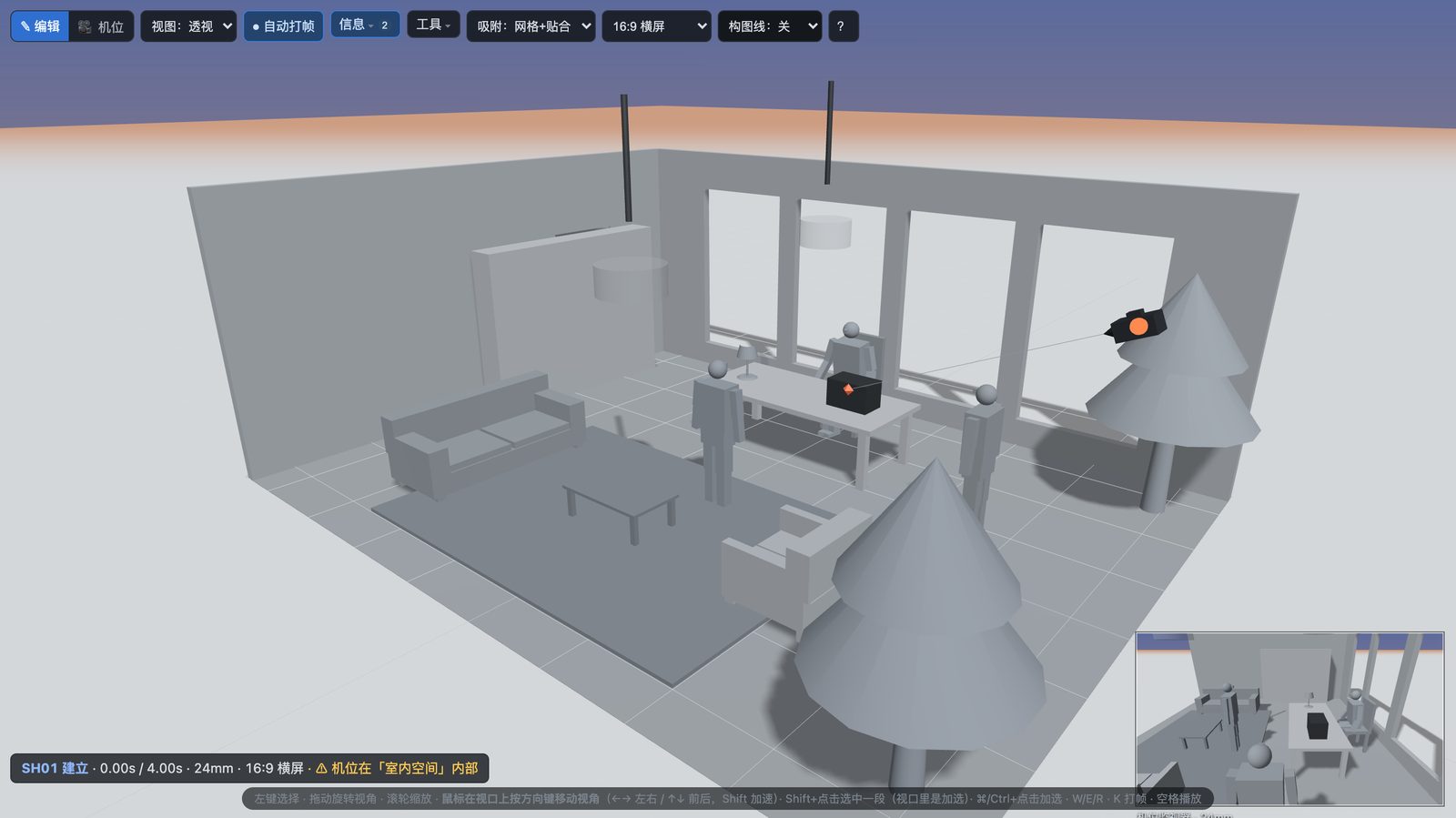
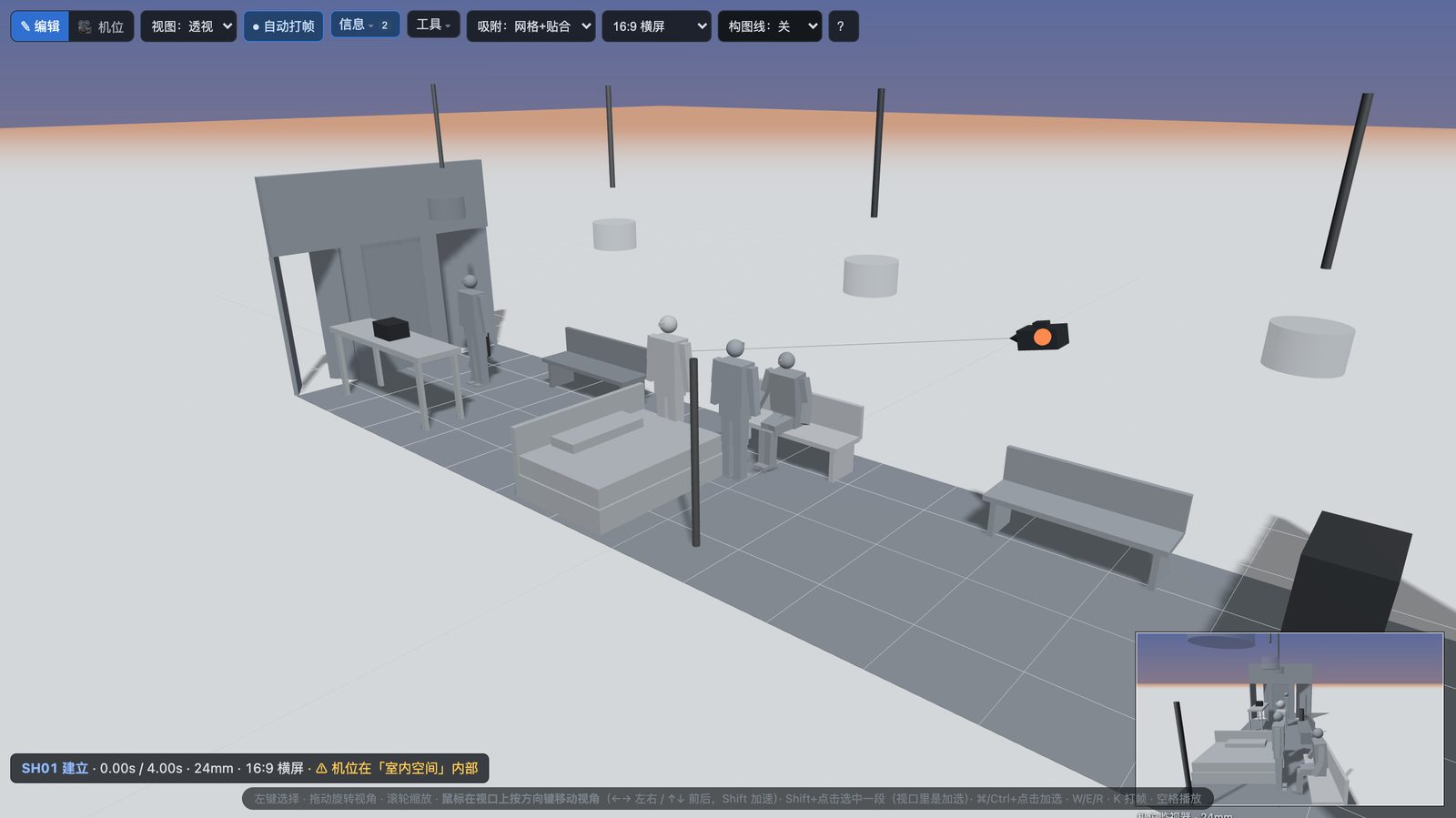
Start from a staged scene
Explore preset scenes with staged character positions, from offices to rainy streets. Advanced scenes and scene-planning tools require Pro or an active trial. The screenshots below use Chinese UI.
Desktop apps
Windows / Mac, built-in MCP runtime and local project files.
Offline core tools
Basic and activated paid Pro work offline. Trials require online verification.
Local project storage
Optional AI requests use your chosen provider; review its data policy.
Device-bound license
First activation is online; license validation then works offline during its term.
Digital license
No change-of-mind refunds after delivery; order issues and statutory rights still apply.
FOR AGENT WORKFLOWS
198 MCP tools for your local AI assistant
Claude Code, Codex or Cursor can stage scenes, plan shots and prepare handoffs with Pro or an active trial. Editing tools can run headlessly; screenshots and video exports connect to the open desktop app.
Example workflow: generate_scene stages the scene → plan cameras and dialogue → baimo_app_push sends it to the app → baimo_app_export_video exports → use accepted references with your video service.
{
  "mcpServers": {
    "baimo-director": {
      "command": "node",
      "args": ["<your-path>/mcp-server/dist/index.js"]
    }
  }
}
PRICING
Start free. Choose Pro for advanced creation.
One-time 7-day Pro trial, claimed online in the desktop app
Basic
US$0 forever
Build your first sequence
- Basic props and characters, manual static cameras
- Up to 720p exports with a mark
- Up to 20 objects / 3 shots; complete project saving and preview
Personal Pro
US$59 / year · 1 device
For production delivery
- 1080p, watermark-free exports with a paid license
- Full per-shot packages: MP4, first/last frames and prompt cards
- Advanced scenes, assets, keyframes, paths, dialogue and camera movement
- Batch captures, creative tools and MCP automation
- Template-pack import and AI chat with your own provider
- Updates during the license term
Team
US$219 / year · 5 devices
For a small production team
- All Personal Pro features
- Up to 5 activated devices
- Reuse project, template and asset files across your team
- Priority support
Basic stays free after the trial, with marked 720p review exports. License validity is shown in the app; your projects remain available after expiry. Compare editions →
PRACTICAL QUESTIONS
Four things to consider
Why use Baimo Director?
Rehearse cameras, blocking and timing in 3D before handing references to a video model. Scene building, shot planning, review and delivery share one local workflow, with Chinese and English UI. Basic is free for simple staging and preview; Pro or an active trial adds advanced tools and MCP automation.
Why not just generate more attempts?
Generation can discover a look, while a previs explains how the shot should move and read. Use references to make framing and blocking discussable, then assess the actual generated result. Neither workflow guarantees a fixed number of attempts.
What does the annual license include?
Personal Pro is US$59 for 12 months on one device, with software updates during the license term. This is a one-time purchase without automatic renewal. External model services have their own fees and input requirements.
What happens to project data?
Projects are stored locally. Core editing, preview and export work offline. Purchasing, first activation, trial claiming and verification, and optional AI chat use the network. AI chat uses your own model key and sends task information to the selected provider. Activation does not upload your project or device private key.
Frequently asked questions
What happens when the trial ends?
Claim 7 days of Pro once per device, online in the app. It starts when successfully claimed and requires online verification at each launch and every 5 minutes while running; exports carry a trial mark. Afterwards, Basic remains free: 20 objects / 3 shots, manual static cameras and marked 720p review exports. Complete existing projects can still be opened, saved and previewed. No automatic trial charges.
Why are trial exports marked?
The trial is for evaluating tools and workflow. Paid activation unlocks unmarked exports; trial outputs retain their trial mark.
What does the annual price cover?
Personal Pro is US$59 for 12 months, including software updates during the term, with no automatic renewal. Generated results depend on the selected model, whose service fees are separate.
Are older licenses still valid?
Previously issued licenses retain their original terms. Contact the seller for verification if you need to migrate an older license.
How do I activate a desktop license?
Paste your BME purchase credential into the app. First activation verifies the order online and issues a device-bound BM2 license, which can be validated offline during its term. Test credentials cannot activate the production app.
Can I move to another computer?
Contact the seller to verify the order and device migration. Repeated activation on the same device does not consume another seat. Clearing the local license does not release a seat; reinstalling the system or removing app data may require activation again.
Try one sequence before you decide
Basic is free forever for simple staging and preview. Claim a one-time 7-day Pro trial online in the desktop app; it requires online verification at each launch and every 5 minutes while running, with marked trial exports and no automatic charges. After expiry, complete projects remain openable, saveable and previewable. Advanced tools require Pro.
No account needed for Basic · No card for the trial · Local creation